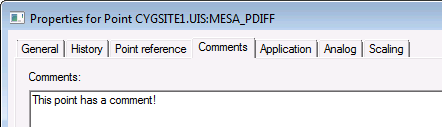
Use the Comments page to add a comment for a particular point.
|
|
| Sample Comments page for an Existing Point |
These are the properties shown on the Comments page in the PNT Editor.
See Token Categories - Point: General for the corresponding tokens for each property and Filter Attributes - Point: General for the corresponding filter attributes for each property.
| Property | Description | Default Value |
|---|---|---|
|
Comments |
Free-form text up to 1800 characters. |
Blank |
See Comment Tool for more information about using comments in CygNet Studio screens.
See COMMENT in the Point Service (PNT) Security topic for more information about access to comments.
|
|
|

